




Oricom TPMS
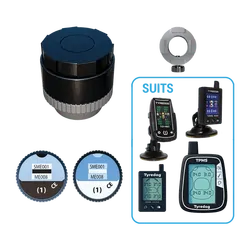
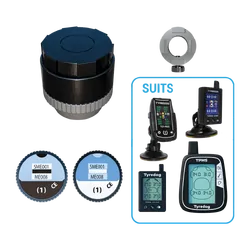
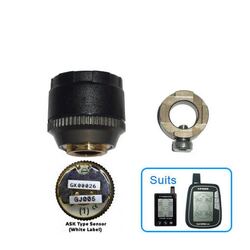
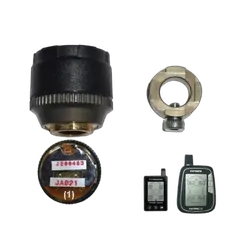
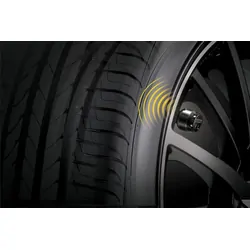
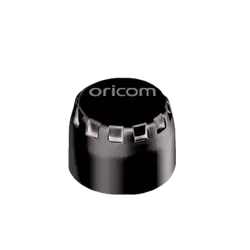
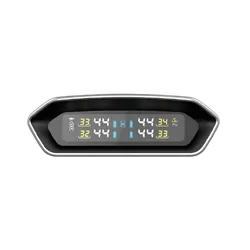
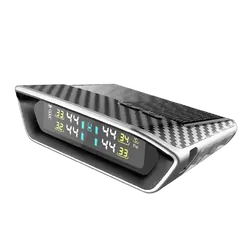
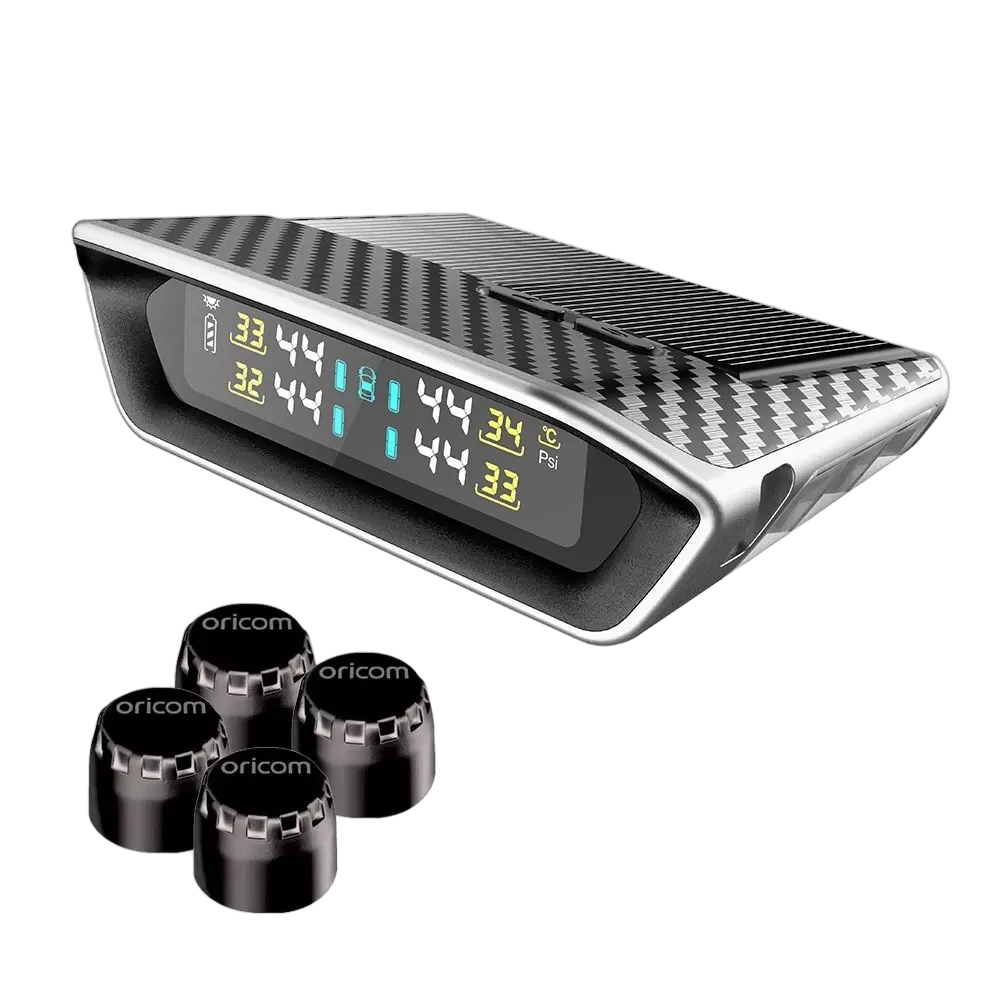
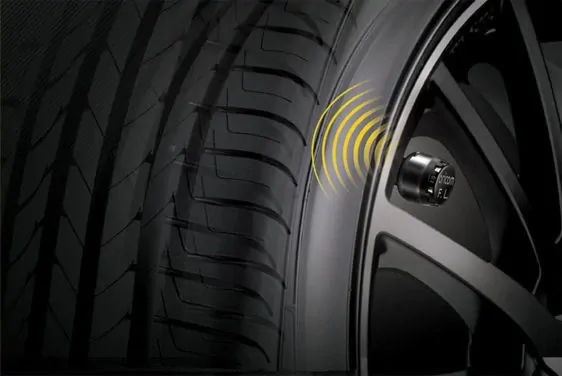
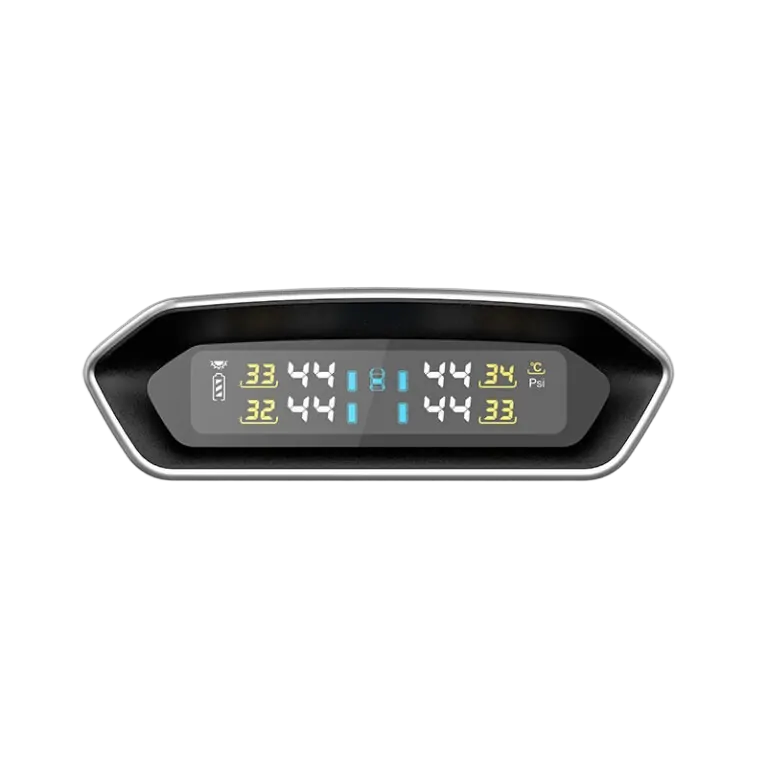
The TPS10-4E Tyre Pressure Monitoring System includes 4 External sensors, but has the capability of simultaneously running up to 10 sensors through the solar powered LCD display unit.
Benefits of a Tyre Pressure Monitoring System:
Prolong the life of your tyres
Tyres that are under-inflated will wear up to 45% faster.
Reduce Driving Risk
Tyre inflation contributes to the handling of the vehicle. Ensuring correct inflation will limit the risk of an accident due to handling issues.
Improve Fuel Efficiency
Correctly inflated tyres will ensure optimal fuel consumption, as driving on under-inflated tyres will increase fuel consumption by approx. 5%.
- Solar powered display unit
- Long lasting display unit battery life
- External sensor battery life CR1632 – approx.2 years
- Replaceable external sensor battery
- IPX7 Waterproof rating
- Wireless transmission between sensor and display unit
- Adjustable threshold value
- Auto brightness on display
- Real time monitoring with pressure and temperature at a glance
- Compact design
- Visual and audio alarm
- Optional Micro USB input
- Intelligent sleeping mode for power saving
- Easy to install
- High/low pressure warning
- Sensor failure warning
- 12 Month warranty
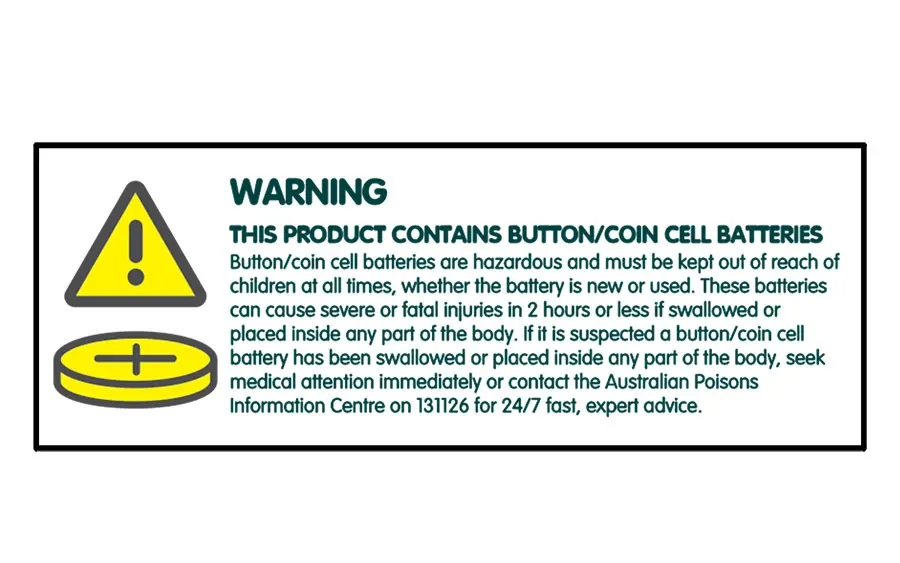
WARNING – KEEP BUTTON BATTERIES OUT OF REACH OF CHILDREN
- Button/coin cell batteries are hazardous and must be kept out of reach of children at all times, whether the battery is new or used.
- If it is suspected a button/coin cell battery has been swallowed or placed inside any part of the body, seek medical attention immediately or contact the Australian Poisons Information Centre on 131126 for 24/7 fast, expert advice. These batteries can cause severe or fatal injuries in 2 hours or less if swallowed or placed inside any part of the body.
- Regularly examine devices and make sure the battery compartment is correctly secured, e.g. that the screw or other mechanical fastener is tightened. Do not use if compartment is not secure.
- Dispose of used button batteries immediately and safely out of the reach of children. A battery can still be dangerous even when it can no longer operate the device.
- Tell others about the risk associated with button batteries and how to keep their children safe.
How to Program External Sensors on the Control Unit of the Oricom Tyre Pressure Monitoring System
How do I enable or disable the trailer and spare tyre sensors on my Oricom TPMS?
You can turn the trailer or spare tyre sensors on or off directly from the Oricom display. First, press and hold the SET button for four seconds to enter the setting mode. Use the SET button to scroll through the options until you reach Item D, which controls the trailer axle and spare tyre settings.
Next, press SELECT to highlight the sensor you want to adjust, then hold SELECT for three seconds to change its status. The screen will display FF when disabled, and ON when enabled. Press SELECT again to save your setting, then hold the SET button to exit.
How do I delete tyre data from my Oricom TPMS display?
To remove stored tyre data (like when swapping sensors or changing tyres), press and hold the SET button for four seconds to enter the settings menu. Press SET again until you reach the tyre deletion screen.
Then press SELECT to cycle through each tyre position until the one you want to delete starts flashing. Hold SELECT until the screen confirms that the tyre data has been erased. Once you're done, hold SET again to exit the settings.
How do I replace the battery in my Oricom external TPMS sensor?
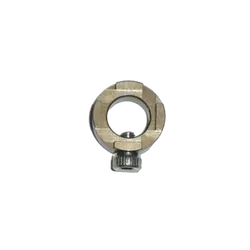
Start by using the supplied spanner to loosen the locking nut and remove the sensor from the tyre valve. Using the special tool included in the kit, open the sensor casing by unscrewing the cover.
Inside, you’ll find a CR1632 button battery. Slide it out from under the battery clip and replace it with the new one, ensuring the positive side faces up. Reassemble the sensor, refit it to the valve, and you're good to go.
| SKU | TPS10-4E |
|---|---|
| Barcode # | 9338161006816 |
| Brand | Oricom |
| Shipping Weight | 0.4970kg |
| Shipping Width | 0.060m |
| Shipping Height | 0.180m |
| Shipping Length | 0.230m |
Oricom TPMS With Multicolour Display - 4 Sensor


 More info
Make 4 payments of $57.25 over 8 weeks and get it now!



Calculate Shipping
Oricom TPMS
The TPS10-4E Tyre Pressure Monitoring System includes 4 External sensors, but has the capability of simultaneously running up to 10 sensors through the solar powered LCD display unit.
Benefits of a Tyre Pressure Monitoring System:
Prolong the life of your tyres
Tyres that are under-inflated will wear up to 45% faster.
Reduce Driving Risk
Tyre inflation contributes to the handling of the vehicle. Ensuring correct inflation will limit the risk of an accident due to handling issues.
Improve Fuel Efficiency
Correctly inflated tyres will ensure optimal fuel consumption, as driving on under-inflated tyres will increase fuel consumption by approx. 5%.
- Solar powered display unit
- Long lasting display unit battery life
- External sensor battery life CR1632 – approx.2 years
- Replaceable external sensor battery
- IPX7 Waterproof rating
- Wireless transmission between sensor and display unit
- Adjustable threshold value
- Auto brightness on display
- Real time monitoring with pressure and temperature at a glance
- Compact design
- Visual and audio alarm
- Optional Micro USB input
- Intelligent sleeping mode for power saving
- Easy to install
- High/low pressure warning
- Sensor failure warning
- 12 Month warranty
WARNING – KEEP BUTTON BATTERIES OUT OF REACH OF CHILDREN
- Button/coin cell batteries are hazardous and must be kept out of reach of children at all times, whether the battery is new or used.
- If it is suspected a button/coin cell battery has been swallowed or placed inside any part of the body, seek medical attention immediately or contact the Australian Poisons Information Centre on 131126 for 24/7 fast, expert advice. These batteries can cause severe or fatal injuries in 2 hours or less if swallowed or placed inside any part of the body.
- Regularly examine devices and make sure the battery compartment is correctly secured, e.g. that the screw or other mechanical fastener is tightened. Do not use if compartment is not secure.
- Dispose of used button batteries immediately and safely out of the reach of children. A battery can still be dangerous even when it can no longer operate the device.
- Tell others about the risk associated with button batteries and how to keep their children safe.
How to Program External Sensors on the Control Unit of the Oricom Tyre Pressure Monitoring System
How do I enable or disable the trailer and spare tyre sensors on my Oricom TPMS?
You can turn the trailer or spare tyre sensors on or off directly from the Oricom display. First, press and hold the SET button for four seconds to enter the setting mode. Use the SET button to scroll through the options until you reach Item D, which controls the trailer axle and spare tyre settings.
Next, press SELECT to highlight the sensor you want to adjust, then hold SELECT for three seconds to change its status. The screen will display FF when disabled, and ON when enabled. Press SELECT again to save your setting, then hold the SET button to exit.
How do I delete tyre data from my Oricom TPMS display?
To remove stored tyre data (like when swapping sensors or changing tyres), press and hold the SET button for four seconds to enter the settings menu. Press SET again until you reach the tyre deletion screen.
Then press SELECT to cycle through each tyre position until the one you want to delete starts flashing. Hold SELECT until the screen confirms that the tyre data has been erased. Once you're done, hold SET again to exit the settings.
How do I replace the battery in my Oricom external TPMS sensor?
Start by using the supplied spanner to loosen the locking nut and remove the sensor from the tyre valve. Using the special tool included in the kit, open the sensor casing by unscrewing the cover.
Inside, you’ll find a CR1632 button battery. Slide it out from under the battery clip and replace it with the new one, ensuring the positive side faces up. Reassemble the sensor, refit it to the valve, and you're good to go.
| SKU | TPS10-4E |
|---|---|
| Barcode # | 9338161006816 |
| Brand | Oricom |
| Shipping Weight | 0.4970kg |
| Shipping Width | 0.060m |
| Shipping Height | 0.180m |
| Shipping Length | 0.230m |